
GoHighLevel login page design that feels like the gate to your trip
Before anyone checks a manifest or answers a booking, they sign in. Give that moment your brand: a moving gradient, a coastline photo or a calm editorial layout, across sign-in, two-factor and reset. Choose it in the editor, paste one CSS line, done.
What is a custom GHL login page?
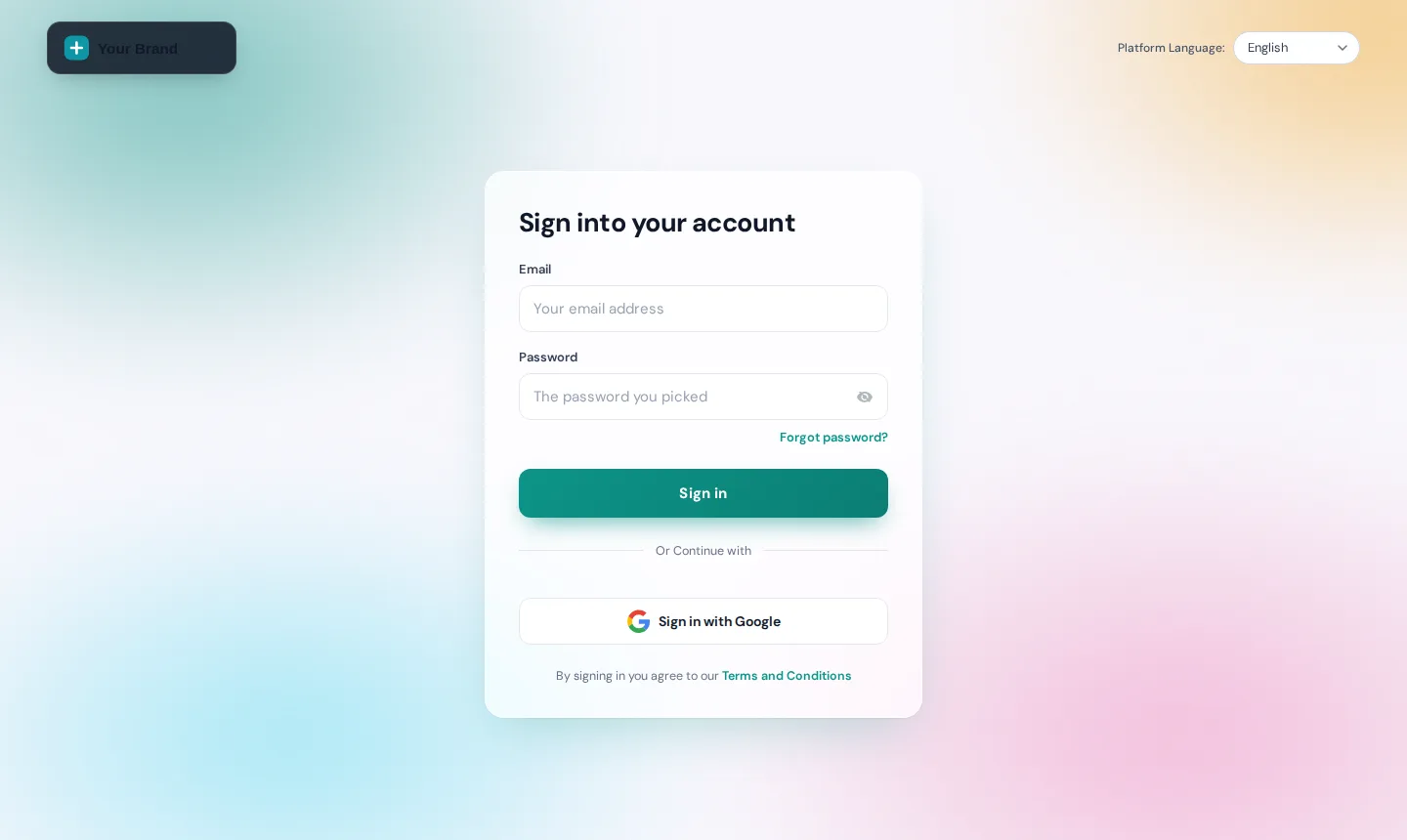
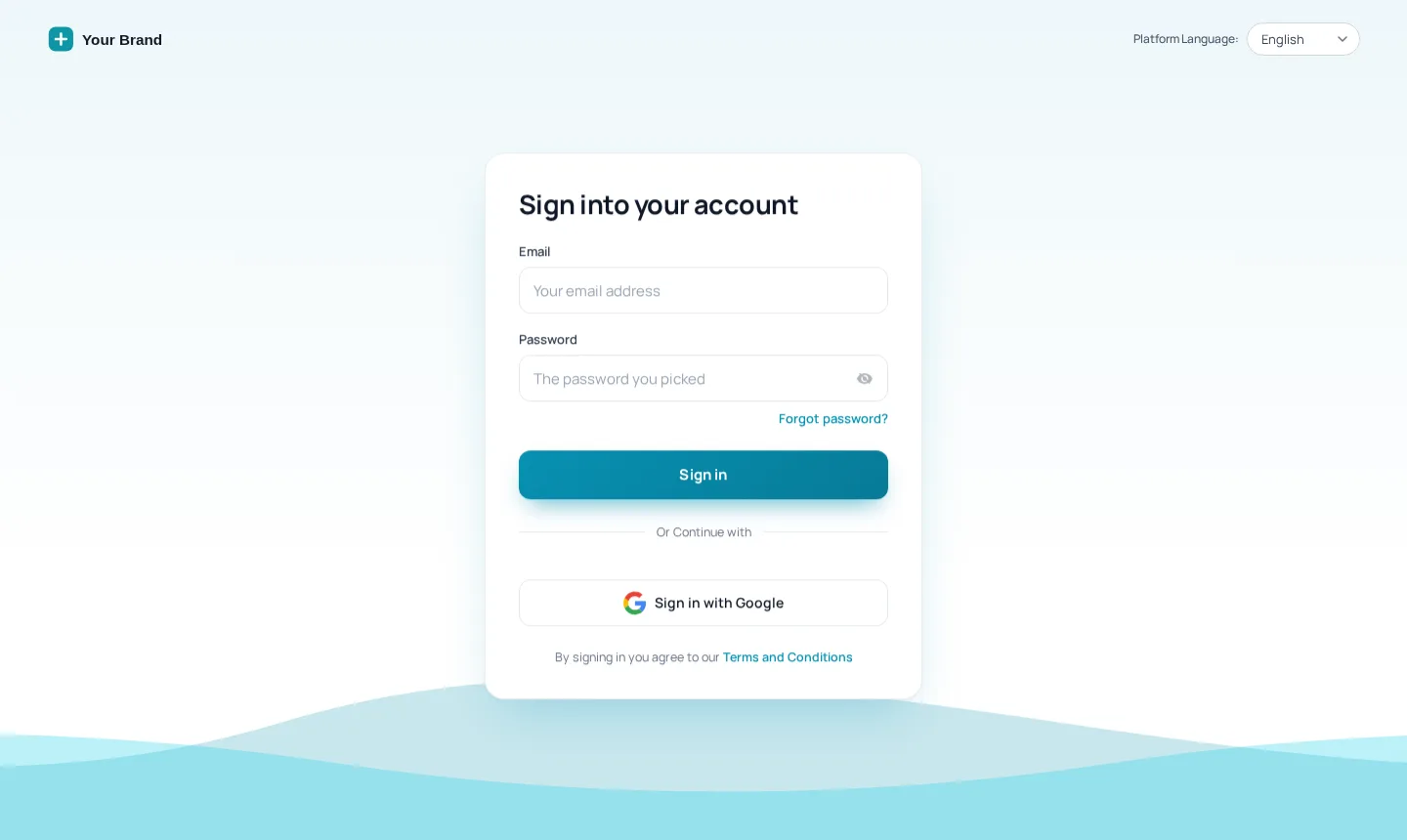
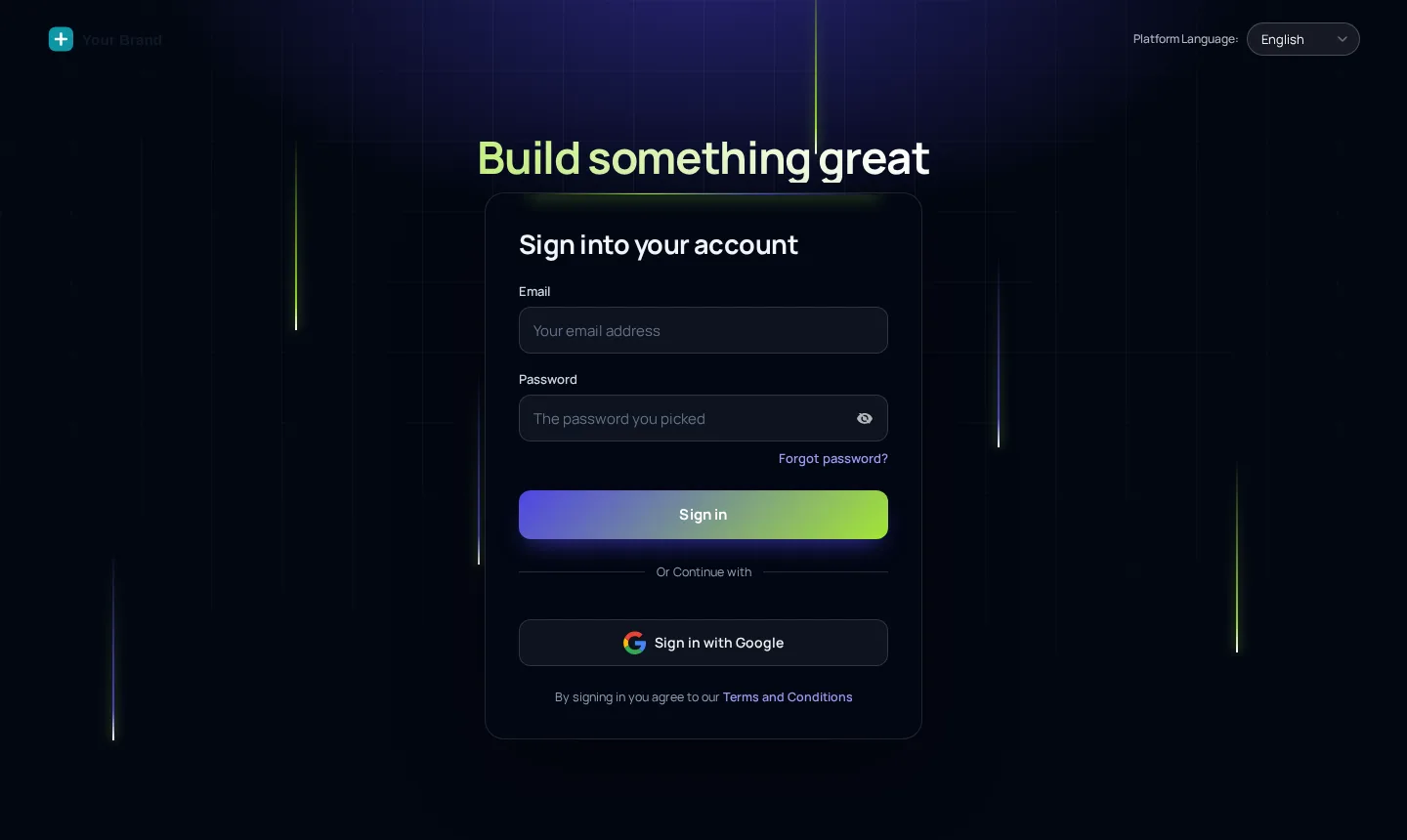
A custom GHL login page replaces GoHighLevel's plain sign-in screen with your own design through the agency's white-label CSS. The GHL Customizer includes 16 animated designs that restyle sign-in, two-factor codes and password reset together, using your logo, colour and optional photo, installed with a single line.
- 16
- animated login designs
- 3
- screens styled per design: sign-in, 2FA, reset
- 8
- dark designs for a night-sky look
- 1
- CSS line to paste into GoHighLevel
Try all 16 login designs on a real GoHighLevel form
Gradient mesh is loaded first. Switch designs, open the two-factor and reset screens, and press the phone icon to see what a guide sees at 6am.
The same CSS that ships to GoHighLevel, running on a copy of the real login markup. Switch to the two-factor and reset screens too.
Replay animationLoading the live preview…
Your brand from the first keystroke to the last code
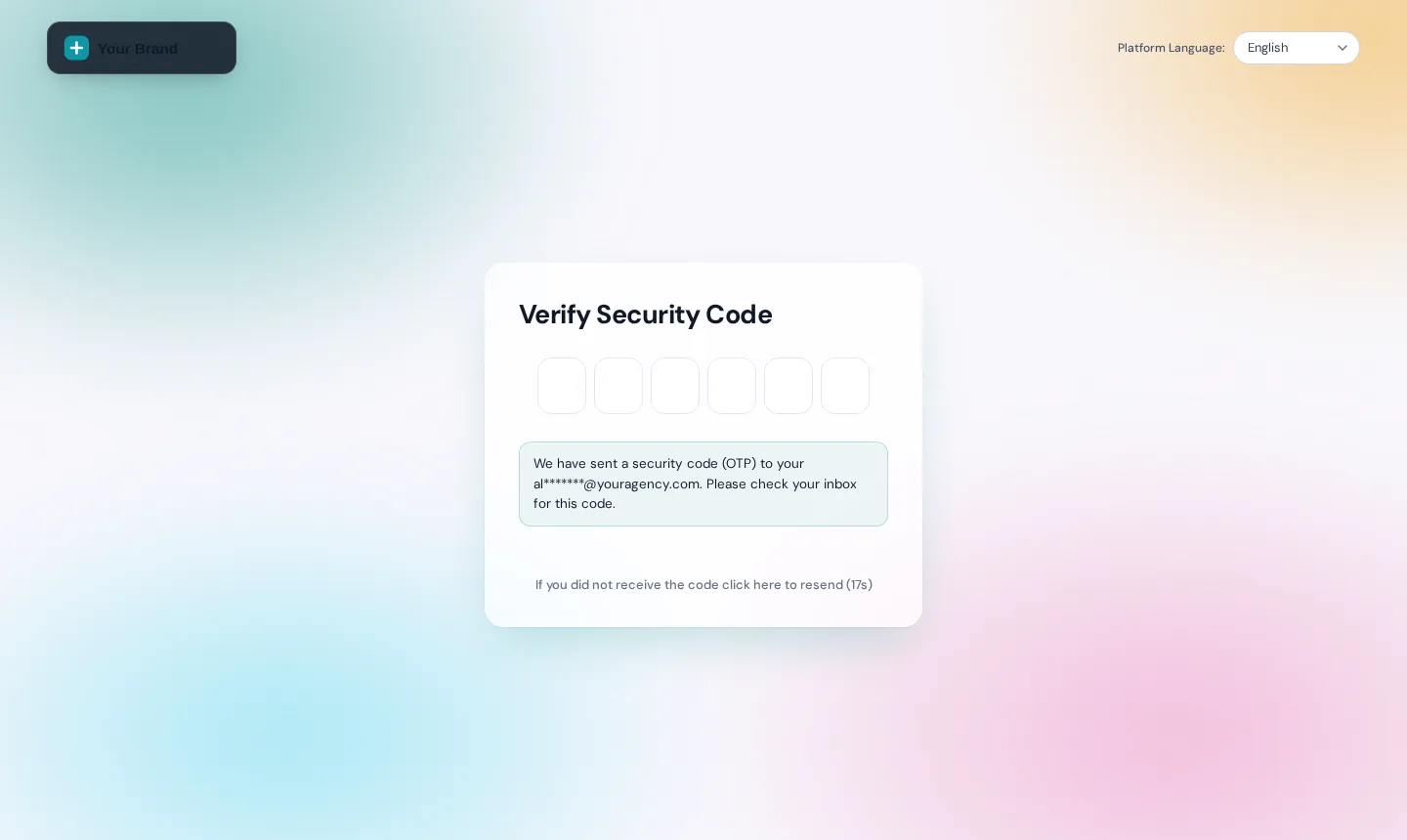
Most custom login pages stop at the first form. Here the two-factor screen and the password reset wear the same design, so a seasonal guide resetting a password in April gets the same branded welcome as the owner in January.
- Same logo, colour and background on all three screens
- Your own rotating quotes on the 4 designs built for them
- Reduced-motion users see a still version automatically
Why the login screen matters more than it looks
A generic sign-in your team half-trusts
- New seasonal staff unsure they are on the right site
- Agency clients see someone else's software, not your brand
- Reset emails land on a page that looks nothing like you
A gate that says "you are in the right place"
- Logo, colour and destination photo on every screen
- One look across sign-in, two-factor and reset
- Agencies present a portal that is visibly theirs
Login page ideas for tour and travel teams
Guides signing in at the meeting point
A phone-friendly design with big inputs and your logo up top, so a guide checking the manifest before the van leaves never wonders whether they opened the right app.
Seasonal moods
Sunrise hills for summer, Midnight stars for the northern-lights season.
Onboarding new staff
A welcome line on the login card points newcomers to the right first step.
Agencies with several travel clients
One branded gate for every operator you serve. Your agency name, your colours, your domain, and none of the stock GoHighLevel styling that makes clients ask whose software they are paying for.
Brand the GoHighLevel login page in four steps
- Step 1
Pick a design
Open Login page in the editor and choose one of the 16 designs. Each one styles sign-in, the two-factor code screen and password reset together.
- Step 2
Add your brand
Upload your logo, set your brand colour and, on photo designs, drop in a destination shot or a picture of your fleet. Write your own welcome line.
- Step 3
Preview every screen
Flip between sign-in, two-factor and reset on desktop and phone sizes until it looks right on the device your guides actually use.
- Step 4
Paste the CSS line
Copy the one-line login CSS from your account into GoHighLevel’s white-label settings. The new page shows on the next visit to your login URL.
Included in Day Trip ($177 one-time) and in Explorer and Grand Tour.
Login page questions
Custom GHL login pages, two-factor screens, photos and phones: the details people check first.
Still wondering about something? Ask us directly and a person from our support team writes back.
Can you change the GoHighLevel login page?
Does the design cover two-factor and password reset too?
Which login designs suit a travel brand?
Can I use my own destination photo?
Is the login page included in the cheapest package?
Will it work on my own white-label domain?
Does it slow the login page down?
What do guides see on their phones?
Can I switch designs before peak season?
Next stops on the tour
The login page is the first stop. These are the screens your team meets right after it.
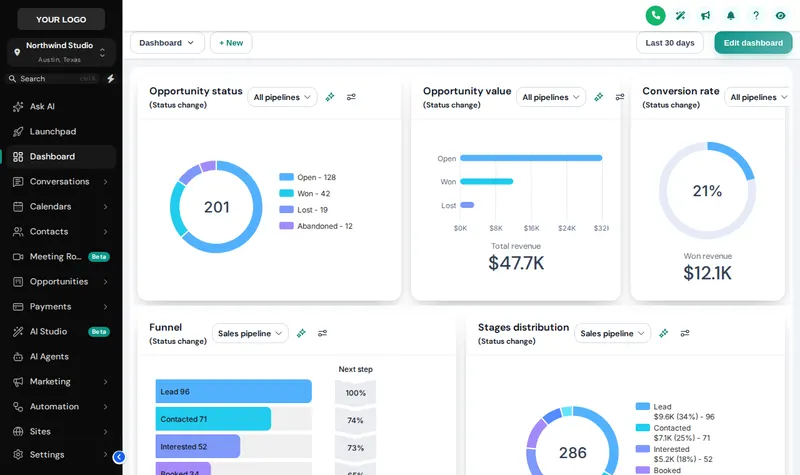 Stop 02Themes, UI kits and dark modeColour, type, UI kit and dark mode for every screen.From Day Trip
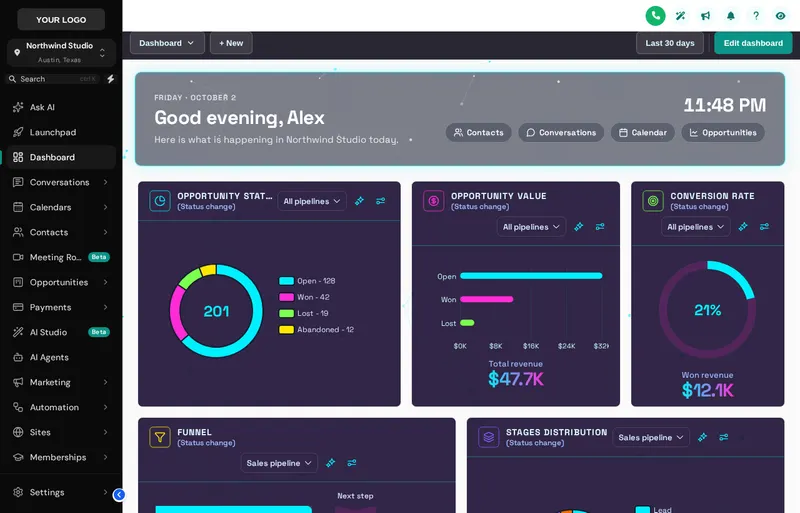 Stop 03Dashboard designsA home screen your reservation desk wants to open.From Explorer
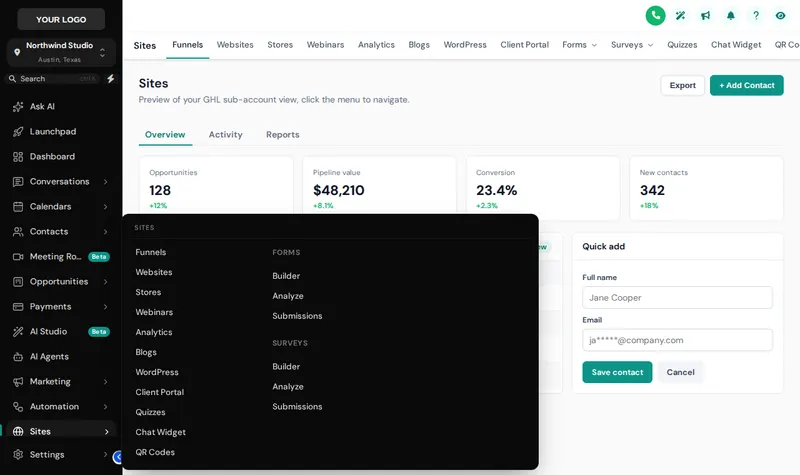 Stop 04Menus and navigationSidebar, top bar and mega menus named your way.From Explorer
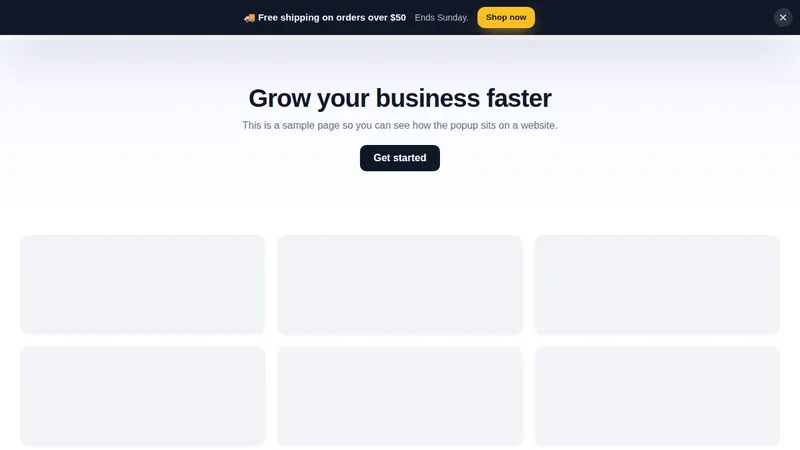 Stop 05Website and in-app popupsOffers, bars and slide-ins for your booking site.From Grand Tour
Open the gate with your own brand on it
All 16 login designs are in Day Trip, alongside every theme and dark mode. Your login arrives by email within minutes.
Secure one-time payment by Stripe · login emailed within minutesIndependent product. GoHighLevel and HighLevel are trademarks of HighLevel Inc. GHL Tourism Snapshot is an independent business and is not an official partner, employee or reseller of HighLevel. GHL Customizer accounts run on the GHL Customer Care customizer platform; you customize and install the look yourself. The screenshots in this section are our own captures of the customizer's preview engine running on sample data, and every sample name in them is made up.
Your Explorer account
Self-serve account · login emailed within minutes (max 24 h) · lifetime access