
GoHighLevel dashboard design for the first coffee of the season
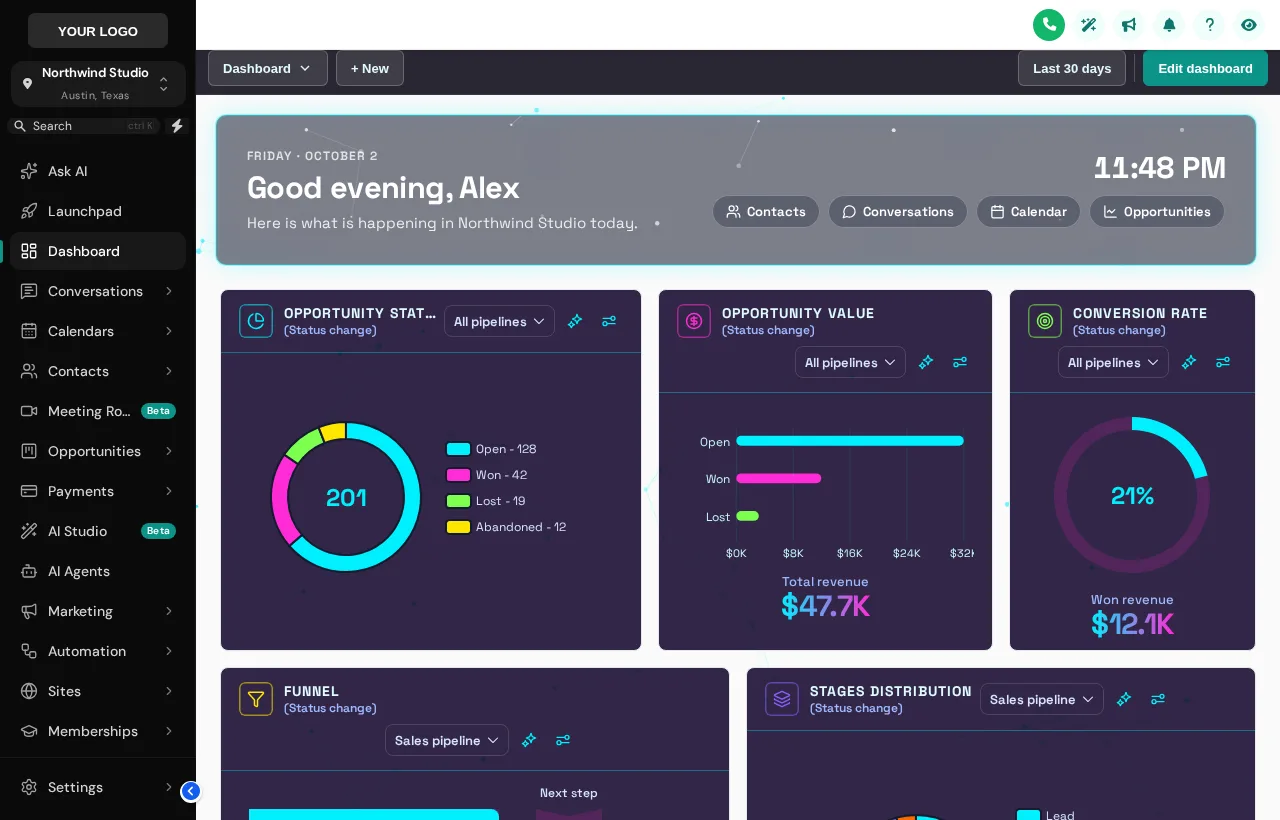
The dashboard is the first screen your desk sees every morning. Make it a welcome: a greeting with their name, the date and a live clock, quick links to the four places they actually go, and a design that fits your brand, from cyber-dark to golden-hour photo.
What does a custom GHL dashboard add?
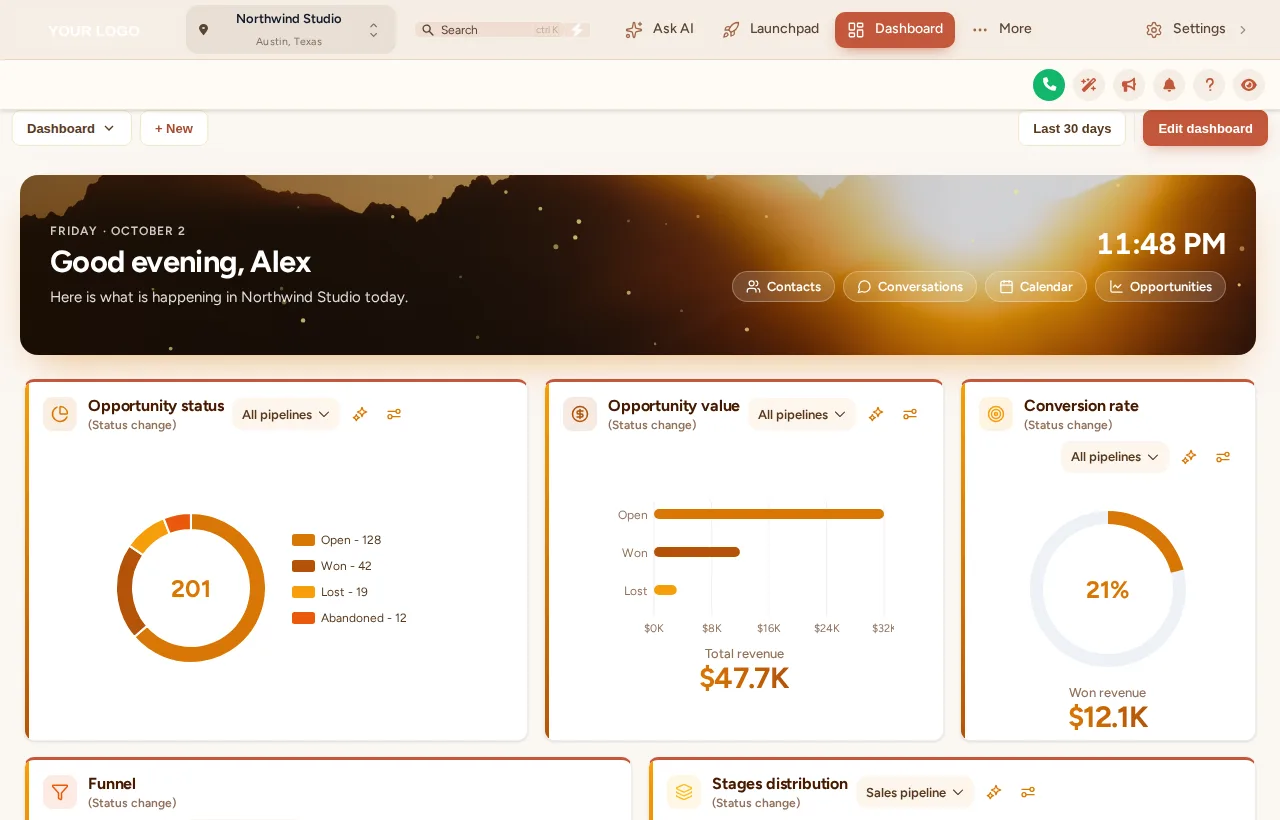
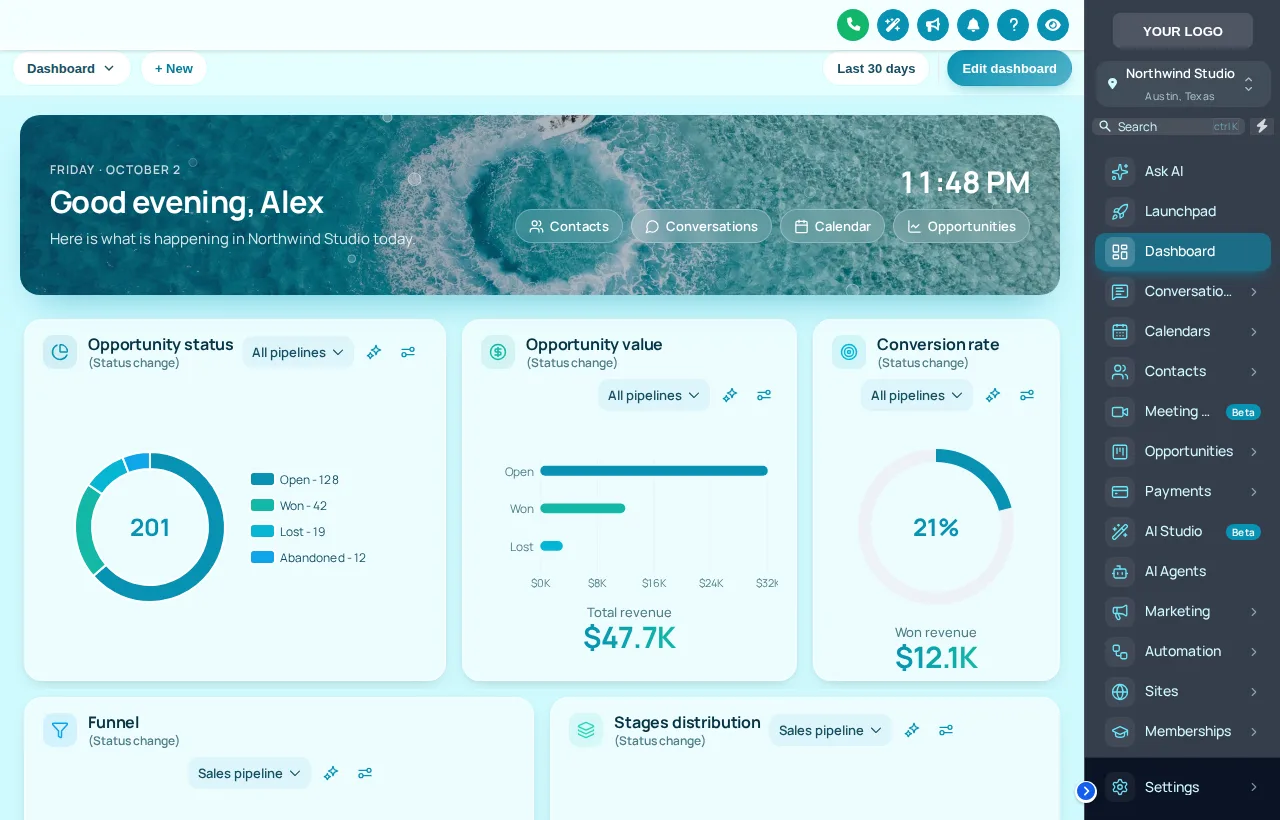
A custom GHL dashboard from the customizer adds a welcome banner (name, date, live clock, quick links), restyled cards, chart colours from your palette and, optionally, a photo or animated background. There are 18 designs in light, dark and photo moods. The numbers and widgets stay GoHighLevel’s own; only the presentation changes.
- 9
- light designs
- 3
- dark designs
- 6
- photo designs you can fill with your own shot
- 4
- quick links in the welcome banner
Test-drive every GoHighLevel dashboard design
Cyber Grid opens first, in the Night mood. Switch to Day or Scenic photo, try a different sidebar theme, and press Replay to watch the loader again.
Each chip is a real dashboard template applied to a copy of the GoHighLevel dashboard. The clock inside is live.
Replay loaderLoading the live preview…
Day, night or scenic: pick the view out of the window
How a tour team uses a designed dashboard
An example day for a mid-size operator. The times are illustrative; the point is that the home screen does a little work at every hour.
Departures check
The guide lead opens GoHighLevel and the banner greets them by name with today’s date and the clock, one tap from Calendar.
Inbox sweep
The reservation desk jumps from the quick links straight into Conversations to answer the overnight inquiries.
Pipeline glance
Opportunity charts in your own colours show how many deposits are still open for the weekend departures.
Late admin
A dark design keeps the screen easy on the eyes while tomorrow’s itineraries go out.
A grid of grey charts
- No greeting, no date, no sense of today
- Chart colours that clash with your brand
- Three clicks to reach the inbox
A home screen with a sense of place
- Name, date and live clock in a branded banner
- Charts in your palette, in stage order
- One-tap quick links to where the work is
Restyle the GoHighLevel dashboard in four steps
- Step 1
Choose a design
Pick from 18 dashboard designs, grouped into light, dark and photo. The preview shows it on a copy of the GoHighLevel dashboard right away.
- Step 2
Write the welcome banner
Write the greeting your team sees beside the date and live clock. The banner carries quick links to Contacts, Conversations, Calendar and Opportunities.
- Step 3
Set photo and chart colours
On photo designs, upload your own destination shot and set the shade so text stays readable. Chart colours follow your palette in stage order.
- Step 4
Save and it is live
If the customizer is already installed, saving is enough: every sub-account dashboard updates on the next page load.
Included in Explorer ($417 one-time) and in Grand Tour.
Dashboard design questions
Banners, photos, chart colours and phones: what operators ask about a designed GoHighLevel dashboard.
Still wondering about something? Ask us directly and a person from our support team writes back.
Can you customize the GoHighLevel dashboard?
Which dashboard designs are included?
Can I use a photo of my own tours?
Does the dashboard design change my reports or numbers?
Which package includes dashboard designs?
Will every sub-account get the same dashboard?
How do chart colours work with my pipeline stages?
Is there a version for phones?
Can I try the dashboard designs first?
Next stops on the tour
The dashboard is home base. These stops make the rest of the working day smoother.
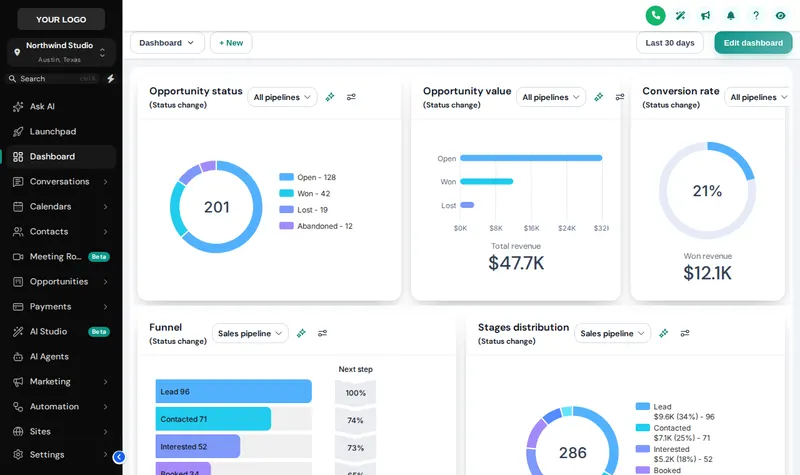
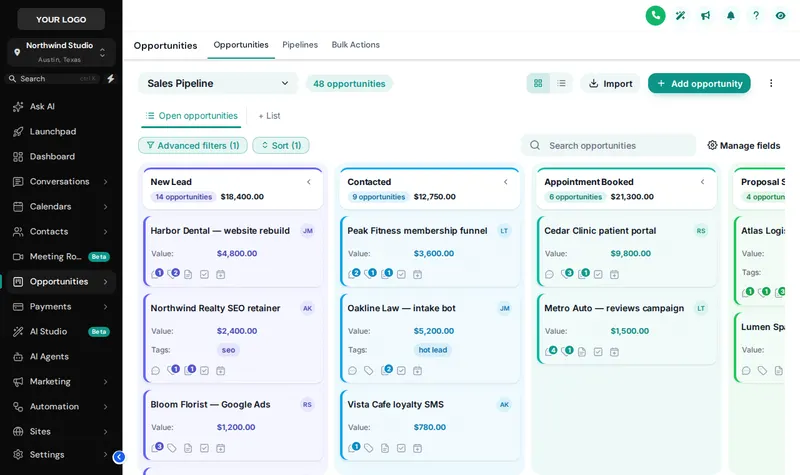 Stop 07Pipeline board designsInquiry to departed, readable at a glance.From Explorer
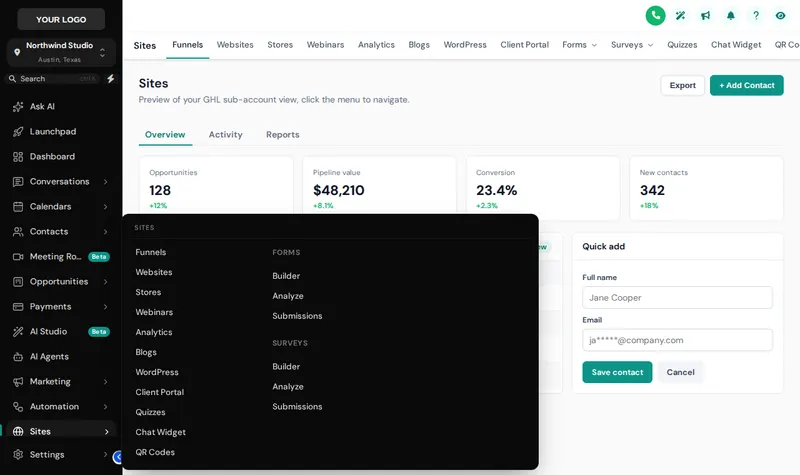 Stop 04Menus and navigationSidebar, top bar and mega menus named your way.From Explorer
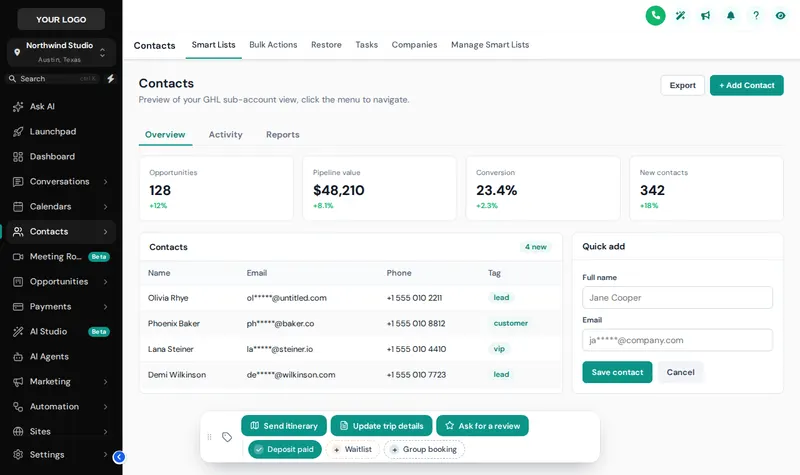 Stop 08Contact actions barOne-tap tags and buttons on every guest record.From Explorer
 Stop 02Themes, UI kits and dark modeColour, type, UI kit and dark mode for every screen.From Day Trip
Give the morning shift a better first screen
The dashboard designer comes with Explorer, together with menus, the pipeline board designer and contact actions.
Secure one-time payment by Stripe · login emailed within minutesIndependent product. GoHighLevel and HighLevel are trademarks of HighLevel Inc. GHL Tourism Snapshot is an independent business and is not an official partner, employee or reseller of HighLevel. GHL Customizer accounts run on the GHL Customer Care customizer platform; you customize and install the look yourself. The screenshots in this section are our own captures of the customizer's preview engine running on sample data, and every sample name in them is made up.
Your Explorer account
Self-serve account · login emailed within minutes (max 24 h) · lifetime access