
GoHighLevel pipeline design that reads like a departures board
Inquiry, deposit sent, confirmed, departed. Your bookings already move through stages; make the board show it at a glance with coloured stage headers, tinted cards and values that stand out. Same pipelines, same drag and drop, far less squinting.
What does a GHL opportunities board design change?
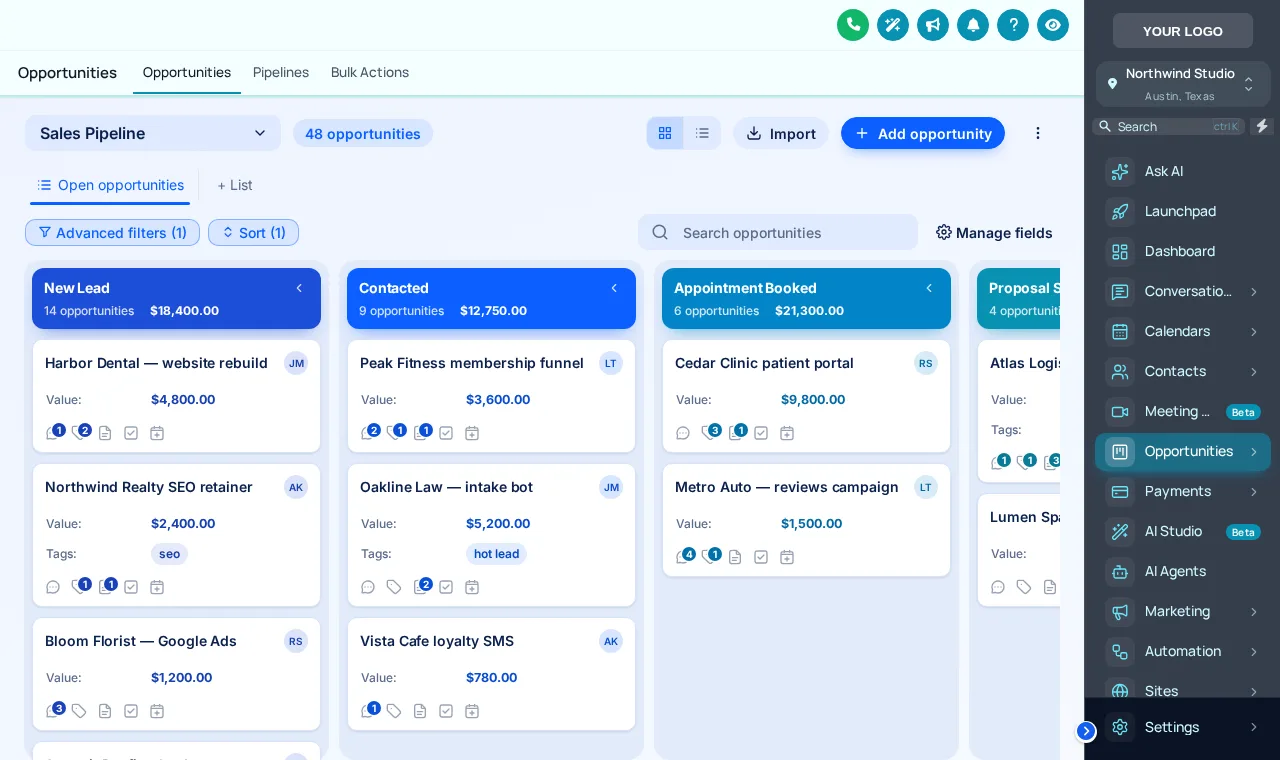
A GHL opportunities board design changes how the pipeline looks, not how it works: coloured stage headers, column backgrounds, deal card style and density, bold deal values and a restyled toolbar. The customizer has 12 designs, light and dark, with stage colours assigned by column position so any tour booking pipeline fits.
- 12
- board designs
- 2
- dark boards
- 2
- views styled: board and list
- 0
- changes to your stages or deals
Restyle a sample GoHighLevel pipeline, live
Colour Ribbon is on first. Click through all 12 designs and try a different sidebar theme beside them.
A copy of the opportunities board restyled by the real engine. Stage colours follow column position, so your own trip stages pick them up whatever you call them.
Loading the live preview…
Ribbons for clarity, ocean tones for calm
Colour Ribbon puts a stage-coloured band on every column and tints the cards to match, which makes it easy to spot how many deposits are still waiting. Ocean Pro keeps things cool and quiet for desks that look at the board all day.
Clean Light · Frosted Glass · Midnight Neon · Neo Brutal · Candy Pastel · Gradient Headers · Compact Pro · Colour Ribbon · Obsidian Gold · Ocean Pro · Emerald Calm · Brand Match
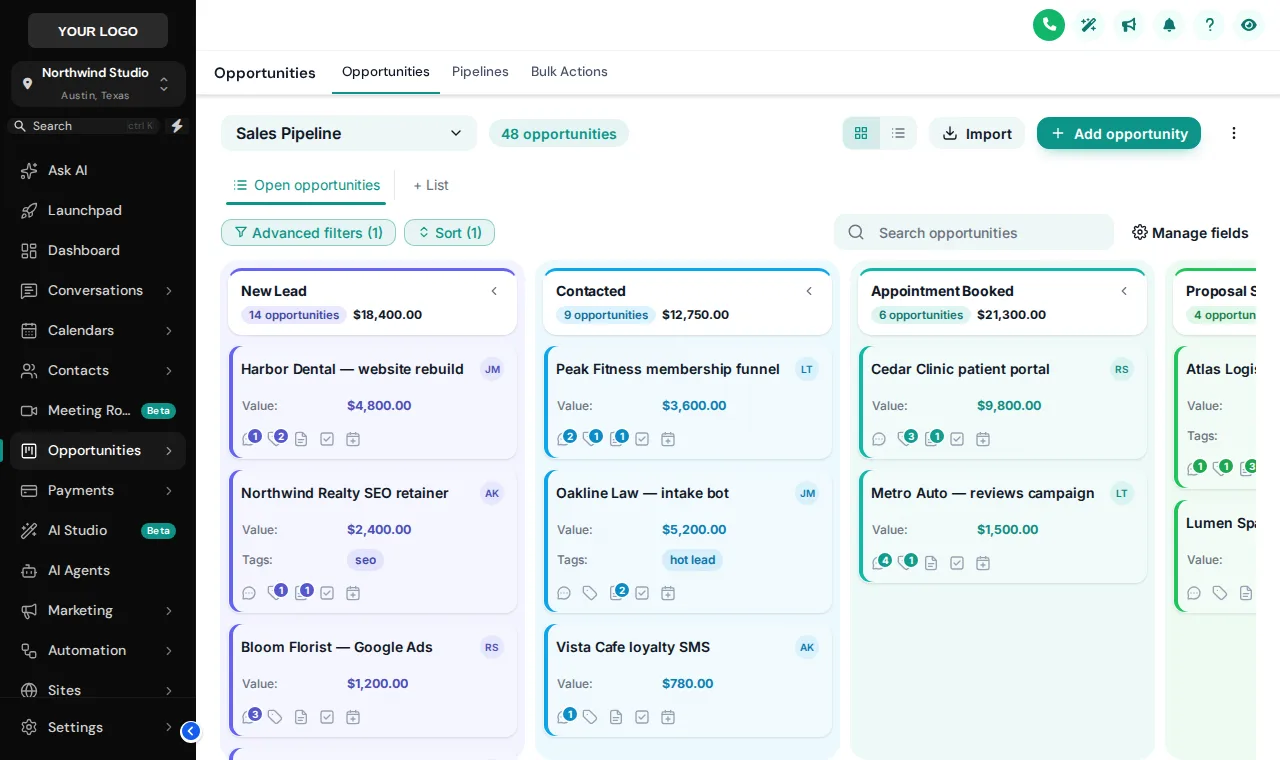
Every column the same grey
- Deposits and confirmations blur together
- Deal values lost in small print
- Peak-season boards that are hard to scan
A board you read from across the room
- Each stage in its own colour, in order
- Deal values bold in the stage colour
- Compact, regular or spacious card density
Restyle the GoHighLevel pipeline in four steps
- Step 1
Open the Opportunities tab
In the theme editor, switch on the board restyle and click through the templates with the preview beside you.
- Step 2
Choose a board design
Pick from 12 designs, light or dark, from Clean Light to Obsidian Gold.
- Step 3
Set the stage colours
Keep the template’s colours, build them from your brand colour or set each one yourself. They are handed out by column position.
- Step 4
Save
Every sub-account board picks up the design on its next page load. No pipeline, stage or deal changes.
Included in Explorer ($417 one-time) and in Grand Tour.
Pipeline board questions
Stage colours, dragging, dark boards and list views for a tour booking pipeline in GoHighLevel.
Still wondering about something? Ask us directly and a person from our support team writes back.
Can you change how the GoHighLevel pipeline looks?
Will it work with my own tour booking stages?
Can my team still drag deals between stages?
Is there a dark pipeline board?
Is the list view styled too?
Can the board match my dashboard design?
Which package includes pipeline board designs?
Does it slow down large pipelines?
Next stops on the tour
The board shows where each booking is. These stops help your team move them along.
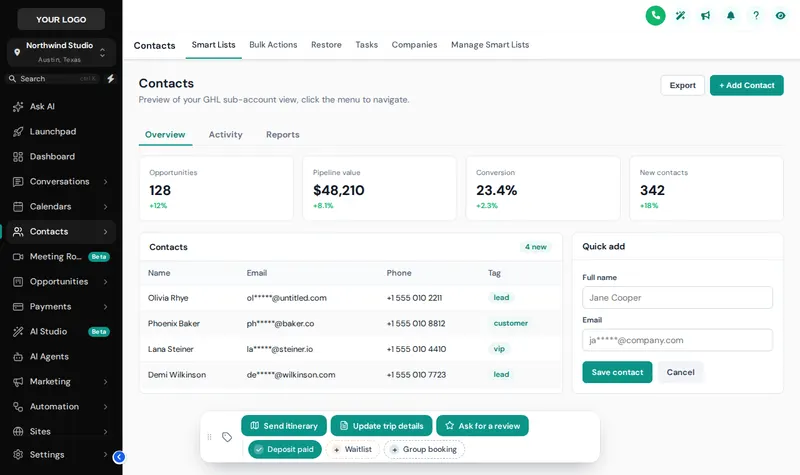 Stop 08Contact actions barOne-tap tags and buttons on every guest record.From Explorer
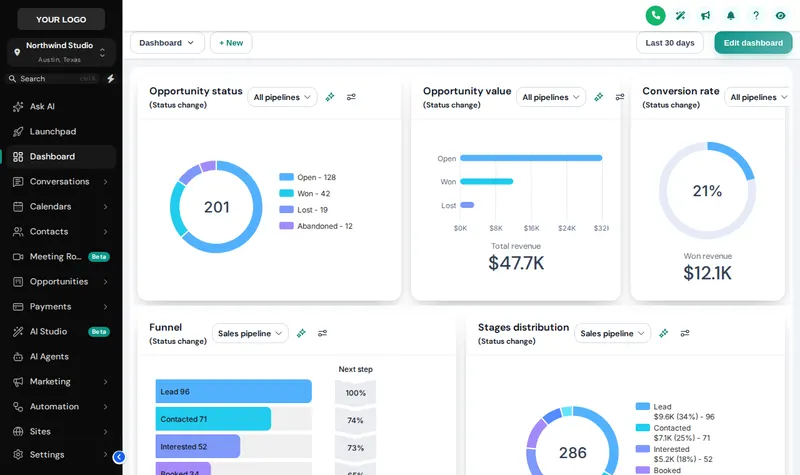
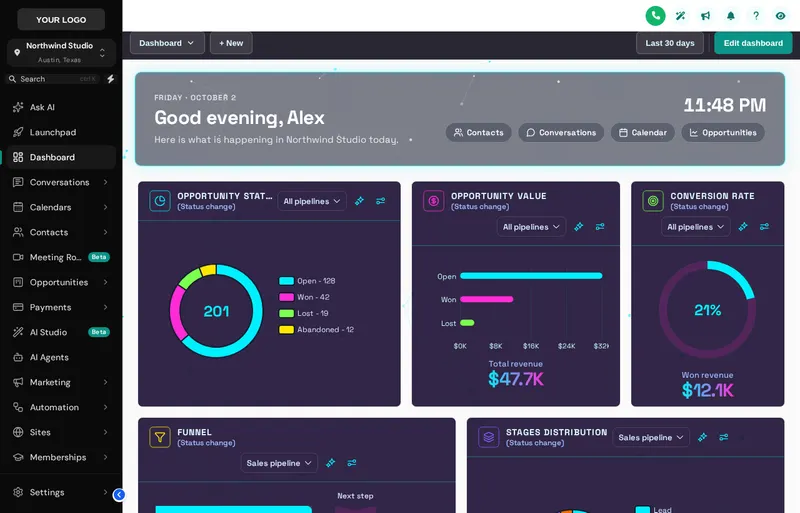 Stop 03Dashboard designsA home screen your reservation desk wants to open.From Explorer
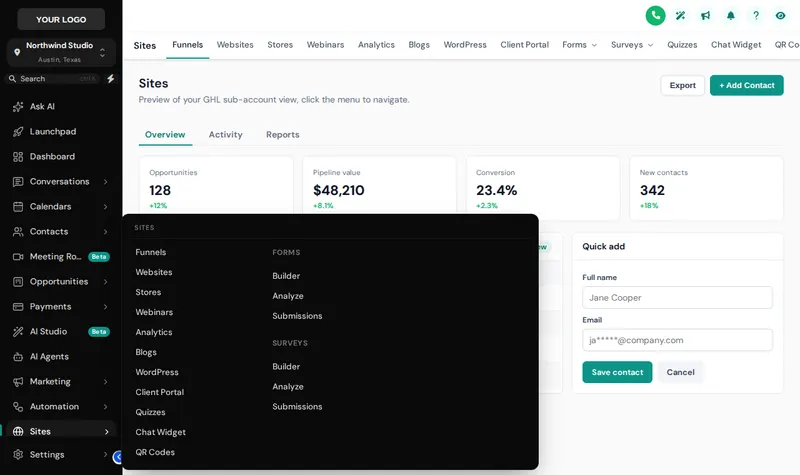 Stop 04Menus and navigationSidebar, top bar and mega menus named your way.From Explorer
 Stop 02Themes, UI kits and dark modeColour, type, UI kit and dark mode for every screen.From Day Trip
See every booking's stage at a glance
The pipeline board designer comes with Explorer, alongside dashboards, menus and contact actions.
Secure one-time payment by Stripe · login emailed within minutesIndependent product. GoHighLevel and HighLevel are trademarks of HighLevel Inc. GHL Tourism Snapshot is an independent business and is not an official partner, employee or reseller of HighLevel. GHL Customizer accounts run on the GHL Customer Care customizer platform; you customize and install the look yourself. The screenshots in this section are our own captures of the customizer's preview engine running on sample data, and every sample name in them is made up.
Your Explorer account
Self-serve account · login emailed within minutes (max 24 h) · lifetime access