
A floating contact widget, like a concierge in the corner
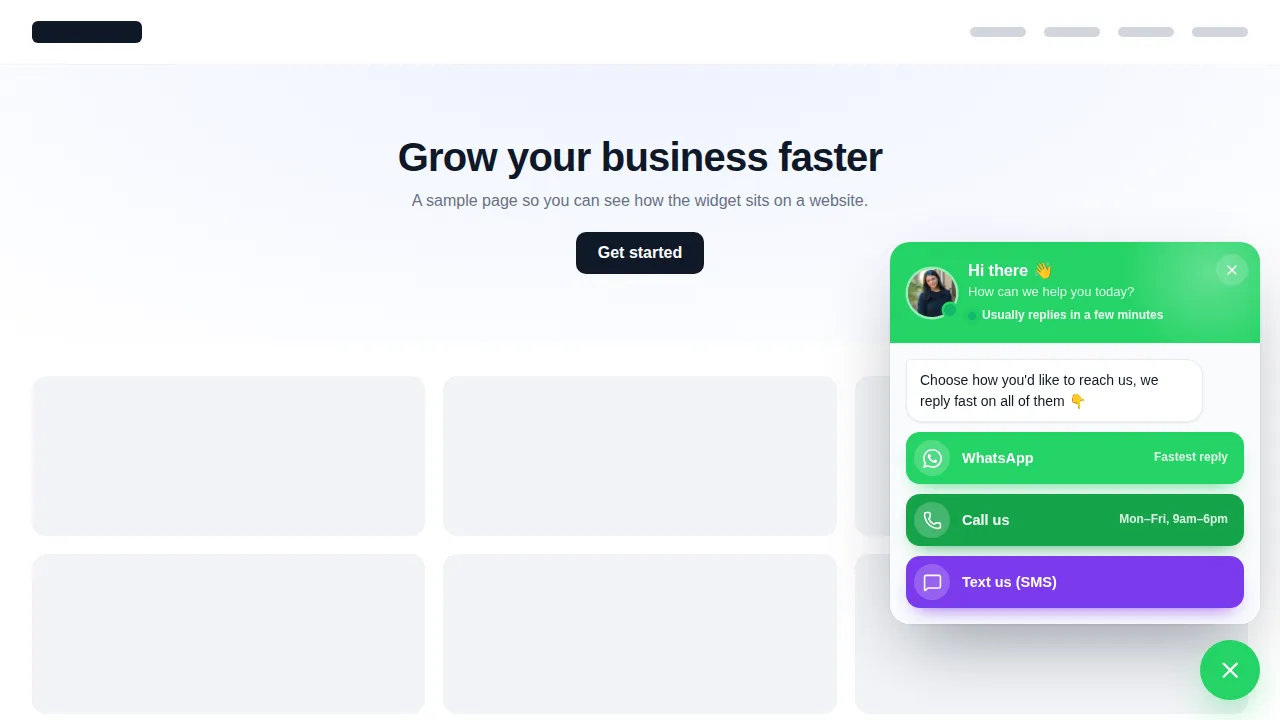
Travelers have questions at 11pm on a phone: is there parking, can kids come, is Saturday still on? A floating launcher puts WhatsApp, call, email, a booking link or a short form one tap away, with business hours so the phone option rests while you are out on the water.
What should a tour website's contact widget include?
A tour website's contact widget should offer the channels travelers actually use (usually WhatsApp, a call button during office hours, email and a booking link) behind one small launcher that does not cover the content. The customizer has 51 templates in 7 types, with business hours, page targeting and per-channel stats.
- 51
- floating widget templates
- 7
- widget types
- 15
- contact channels
- 10
- live at once in Grand Tour
Open every floating widget template
The Pill: Contact us launcher opens first. Change the type, try other templates, and click the launcher to close and reopen it. Nothing is sent.
Real templates drawn by the same engine that runs on your site. Click the launcher to close and reopen it; nothing is sent.
ReplayLoading the live preview…
More than a chat bubble
- Social links. One button that opens all your social profiles
- Contact & chat hub. WhatsApp, Messenger, call, email, live chat, booking… in one menu
- Contact form. A short built-in form, or your own GoHighLevel / Typeform / Jotform / Google form
- Reviews. Review cards with stars, or your own review widget (GoHighLevel, Google, Trustpilot)
- Embed a page. Any URL in a panel, drawer or modal: booking page, help centre, pricing…
- Video. YouTube, Vimeo, Loom or MP4 - in a panel or a round video bubble
- Multi-tab widget. Chat | Social | Form | Reviews | Video in one launcher, with tabs
Launchers that suit how travel businesses work
Out on tour all day
WhatsApp always on, call button only during office hours, and an away message that promises a reply tonight.
International travelers
WhatsApp and Messenger first, because a phone call across time zones is the last thing a visitor wants to try.
Review cards
A reviews launcher showing your own review widget on the tour page.
Guide intro video
A round video bubble with a short hello from the guide.
Group request form
Your own GoHighLevel form in a drawer for private and group quotes.
A contact page three clicks deep
- Phone number buried in the footer
- No WhatsApp for international visitors
- Calls ringing out while you are guiding
Every channel one tap away
- One launcher on every page, out of the way
- Business hours with an away message
- Clicks per channel, so you know what travelers prefer
Add a floating contact widget in four steps
- Step 1
Pick a template
Start from one of 51 templates, or choose a type, launcher shape, open style and look yourself.
- Step 2
Add your channels
Enter your WhatsApp number, phone, email, booking link, social profiles or form fields, then set your opening hours.
- Step 3
Choose who sees it
On websites, target by page, new or returning visitors, device and schedule. Inside GoHighLevel, choose the agency view or sub-accounts.
- Step 4
Switch it on
Websites get one small script tag; inside GoHighLevel it rides on the loader you already installed.
Included in Grand Tour ($837 one-time). Up to 10 floating widgets can be live at the same time.
Floating widget questions
WhatsApp buttons, business hours, forms and phones: the details operators check before adding a launcher.
Still wondering about something? Ask us directly and a person from our support team writes back.
What is a floating contact widget?
Can I add a WhatsApp button to my tour website?
Which widget types are there?
Can calls show only while the office is open?
Can I use my own GoHighLevel form?
Where do built-in form responses go?
Does it work on phones?
How many floating widgets can be live?
Which package includes floating widgets?
Next stops on the tour
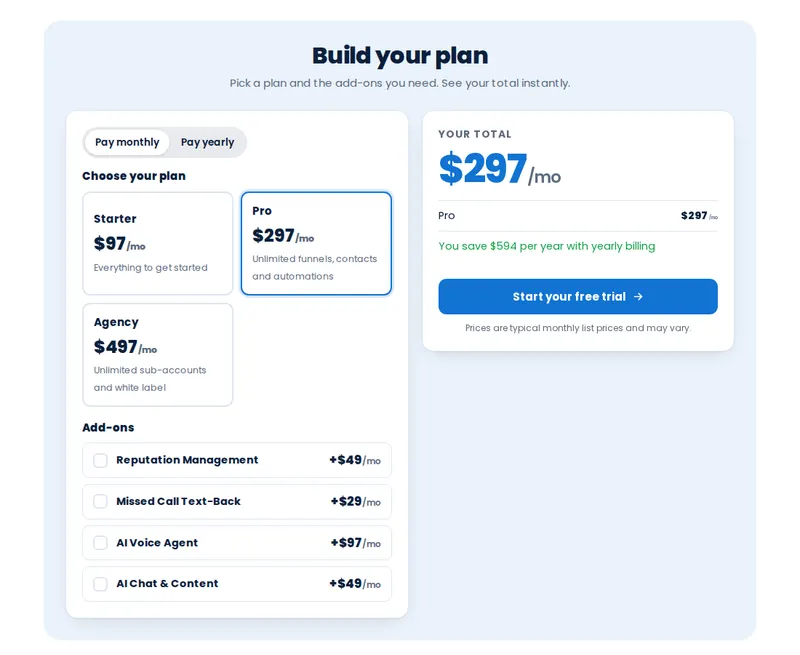 Stop 10Trip price calculatorsPrice builders travelers can play with.From Grand Tour
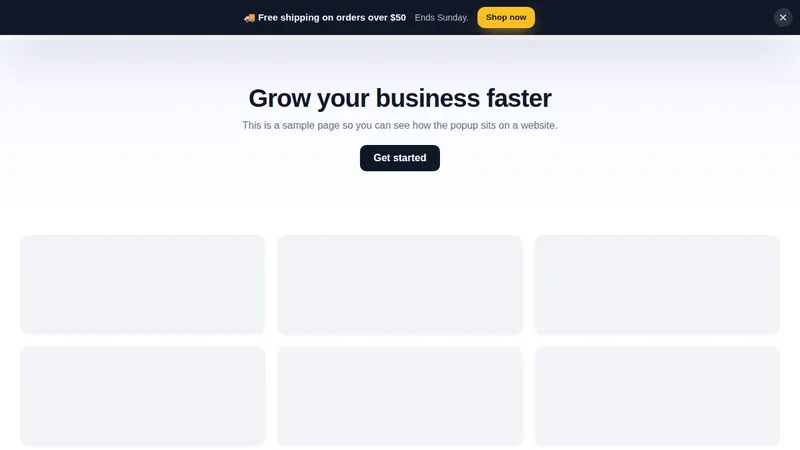 Stop 05Website and in-app popupsOffers, bars and slide-ins for your booking site.From Grand Tour
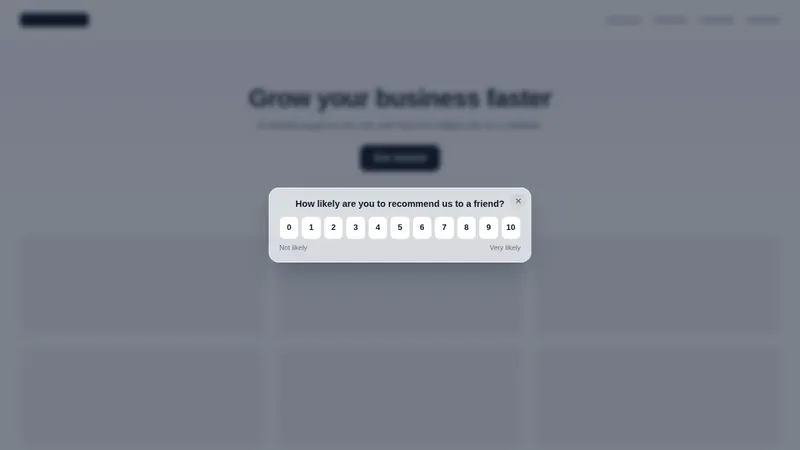 Stop 06Notifications and social proofScores, ratings and nudges after the trip.From Grand Tour
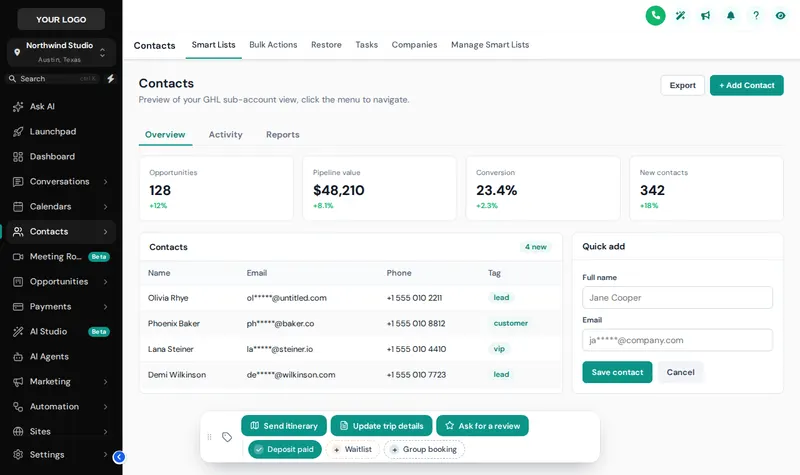 Stop 08Contact actions barOne-tap tags and buttons on every guest record.From Explorer
Put a concierge on every page of your site
All 51 floating widget templates come with Grand Tour, plus popups, notifications and calculators.
Secure one-time payment by Stripe · login emailed within minutesIndependent product. GoHighLevel and HighLevel are trademarks of HighLevel Inc. GHL Tourism Snapshot is an independent business and is not an official partner, employee or reseller of HighLevel. GHL Customizer accounts run on the GHL Customer Care customizer platform; you customize and install the look yourself. The screenshots in this section are our own captures of the customizer's preview engine running on sample data, and every sample name in them is made up.
Your Explorer account
Self-serve account · login emailed within minutes (max 24 h) · lifetime access